Free GIF Converter
Convert images in bulk without losing their quality or installing any software using Pixelied’s GIF converter tool. It’s fast, free & easy-to-use!
How to convert GIF images in 4 steps
Our online GIF tool allows you to change photo formats in just a few clicks and convert images in batches for minimal hassle. Choose from over a hundred conversion options to have your image just as you want it.

Upload your GIF file(s)
Upload your GIF file(s) by clicking the ‘Choose Files’ button or dragging the image(s) in the dotted area.
Click ‘Start Conversion’ on the right to convert all the files
Once the files are uploaded, click ‘Start Conversion’ on the right to convert all the files.
Download the files
Once the conversion is done, you can download the files by clicking ‘Download All’ or ‘Download Image’ next to each file.
Edit your converted images using our photo editing toolkit
Lastly, edit your converted images using our photo editing toolkit to crop, resize, remove background, add captions & much more.
Rate Your Experience – Let Us Know How We Did!
Your feedback would allow us to improve the platform and provide a better experience.








Best GIF Converter Online
Pixelied is a premiere online image converter that can convert images to GIF files without any downgrade in quality. It has a sleek and minimalist interface and an extensive photo editing toolkit where you can easily do some last-minute touches to your converted images for free.
Fast & Easy GIF Converter
It is easy and quick to use Pixelied's GIF image converter right on your favorite browser. It takes just a few clicks and a few seconds, and you’re done.
Do away with the fancy interface and complex settings. With Pixelied’s GIF converter, you don’t have to download or install anything. Let our tool do all the work for you, and you’ll be converting images with ease.
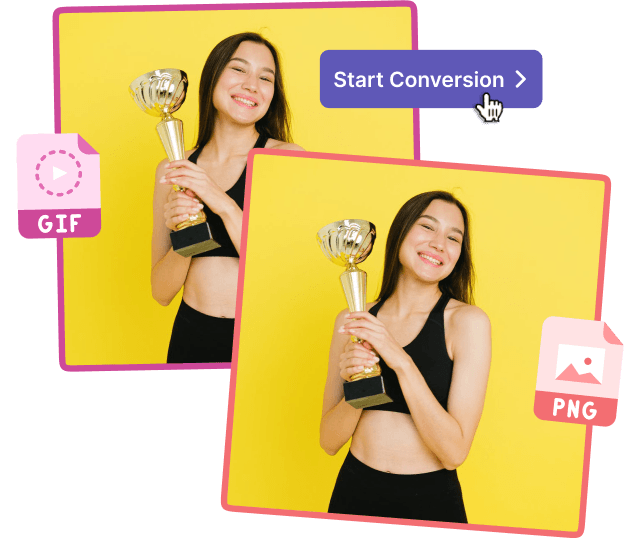
Batch Convert GIF Images
Converting files to GIF one by one is quite a hassle, especially if you have many images to convert throughout the day.
With Pixelied's batch convertor, you get to save time and effort changing and downloading multiple images all at once, making it an excellent photo to GIF converter on the go.
100+ Image File Conversion Options
Pixelied is not limited to only GIF files. The image converter to GIF also supports other file format options, depending on whatever format you need.
Whether it's SVG, TIFF, JPG, PDF, or JPG, you can quickly transform any format in just a few seconds without losing image quality.
Comprehensive Photo Editing Toolkit
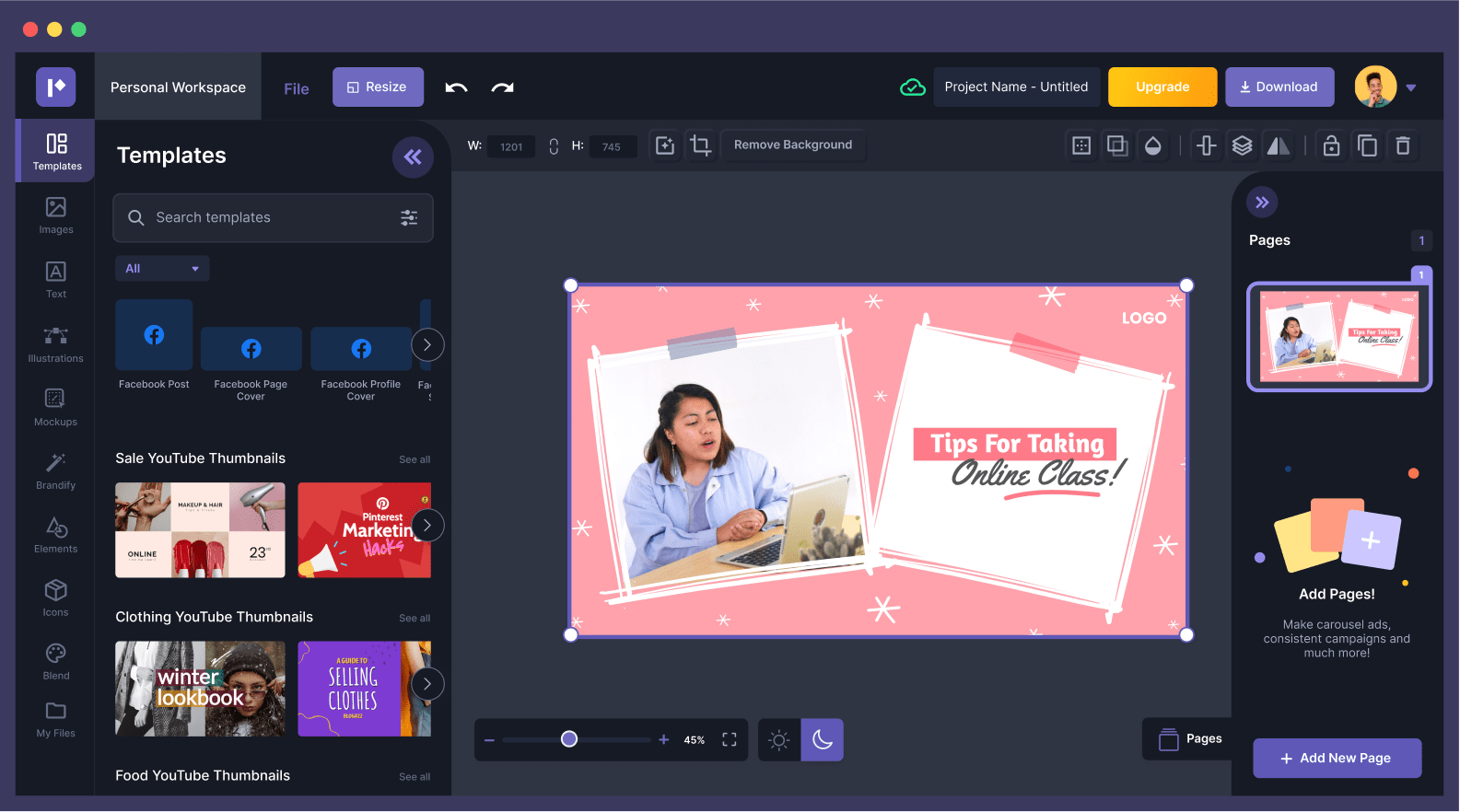
Do you need to do some last-minute edits or touch-ups right after converting your images into GIF files? Pixelied got you covered.
It comes with a built-in photo editing toolkit that lets you resize, crop, and apply filters on your images right on the browser. You can produce unique visual content for work or personal use in just minutes.
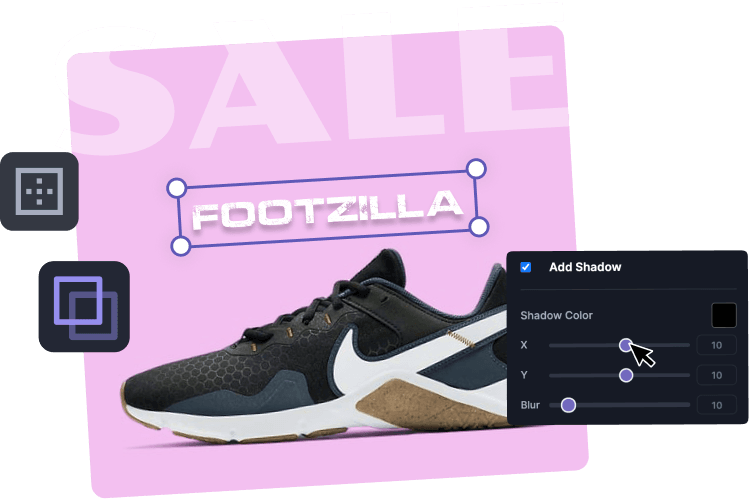
All-in-One Design Suite
Frequently Asked Questions
To convert to GIF: Click the ‘Choose Files’ button or drag and drop your GIF image(s) to the dotted area. Once the images have been uploaded, click on ‘Start Conversion’ to convert files from GIF format. After the conversion has been done, download your newly converted images by clicking the download button next to each file.
Upload your image(s) using the ‘Choose Files’ button or drag and drop them to the dotted area. Click on the settings tab and set the image quality to 100 to convert files without compression. Next, click on ‘Start Conversion’ to convert GIF files to another format. Once done, download the converted files to your computer.
To convert multiple files simultaneously: Select any number of GIF files using the ‘Choose Files’ button or dragging them to the file area. Click on ‘Start Conversion’ to convert files in bulk from GIF format. Once the files have been converted, download the converted images in a zip file.
Once the conversion has been completed, our free photo editing toolkit helps you make all kinds of alterations to your images. Use our expansive toolkit to discover dozens of amazing image retouching features, photo filters, and effects to produce unique visual content within minutes!
Pixelied is the best online app to convert images to GIF without downloading any software or plugin. The photo to GIF converter is available online and supports more than 100 image formats with the best quality.
Yes, all images converted are removed from our servers after 24 hours. We never handle or store your pictures. Your files are processed with the highest security and privacy, so only you can access them.